Start with the account guide
See how guided setup, agency invitations, and sign-in work.
Get startedShort, practical question-and-answer guides for the InsuranceAI workspace. Find steps for missed-call text-back, AI conversations, leads, online booking, team chat, websites, domains, and settings.
Browse by task
Pick a guide. Each one takes about 3 minutes.
Account basics
Follow the guided signup, finish the account form at the end, and enter through the right agency-branded link.
Read this guideWorkspace tour
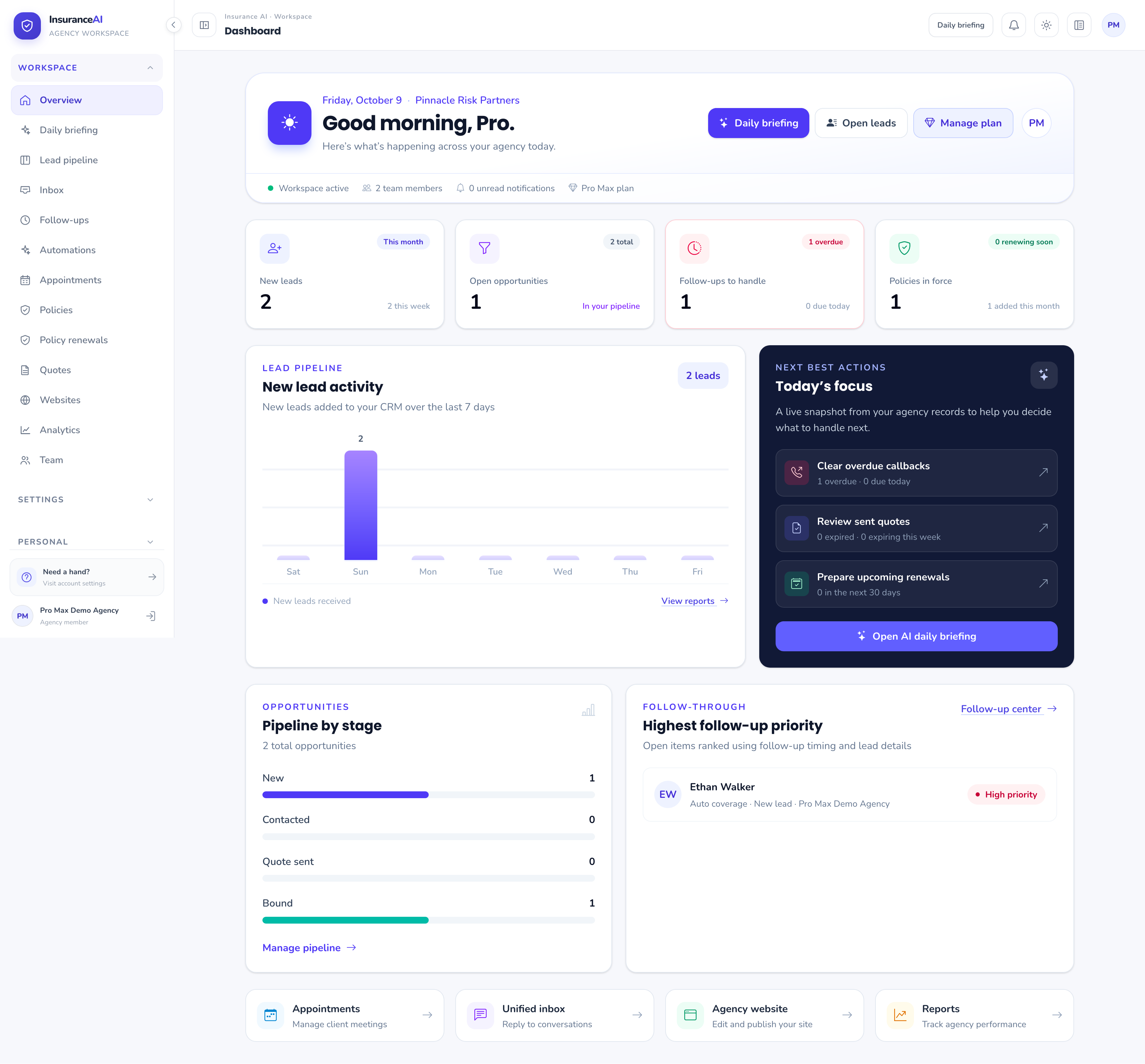
Read your daily overview, find the workspace tools, and use the vertical menu on desktop or mobile.
Read this guideCustomer work
Capture prospects, filter the board, move an opportunity through its stages, and set the next action.
Read this guideCustomer work
Handle conversations from one inbox and understand how the website chat widget reaches your team.
Read this guideWebsite studio
Choose a template, edit the site, test its forms, publish it, and connect a custom domain.
Read this guideWebsite studio
Explore every InsuranceAI website builder block, from navigation and hero sections to forms, coverage, layouts, media, interactive elements, and footers.
Read this guideTeam & recruiting
Invite agents on eligible plans, publish a branded recruiting page, and keep agent access correctly scoped.
Read this guideCustomer work
Keep service work connected to the customer record and visible to the right teammate.
Read this guideInsights & settings
Understand permitted performance data, configure agency tools, and manage your own account and plan.
Read this guideNo guides matched that search. Try “leads”, “website”, or “settings”.
See how guided setup, agency invitations, and sign-in work.
Get startedConnect your own domain, add DNS records, and confirm SSL.
See domain stepsTell us which screen you are on and what you expected to happen.
Contact support